Solution Overview:
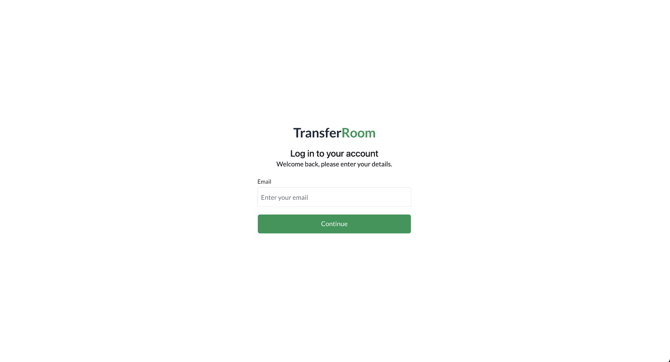
Step 1: Enter your TransferRoom email address.
Step 2: Enter your TransferRoom password.
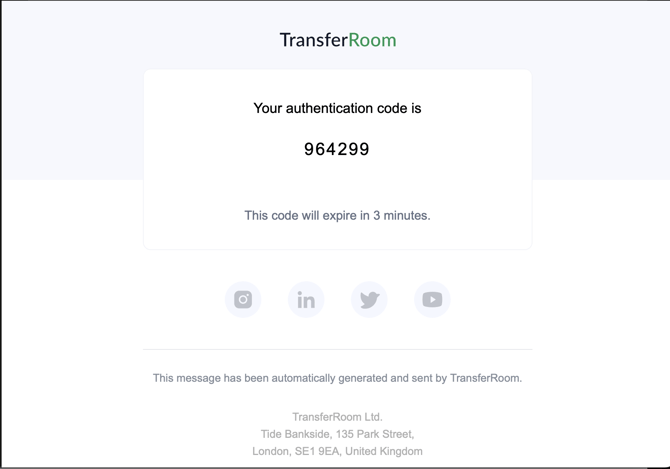
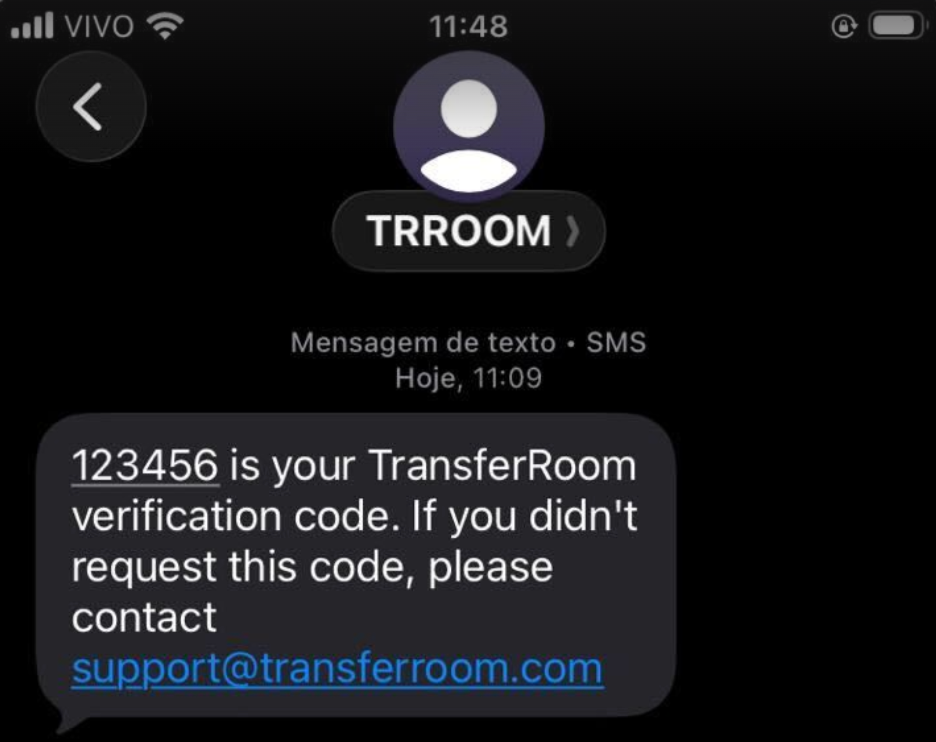
Step 3: Enter the code sent to your email address or phone.
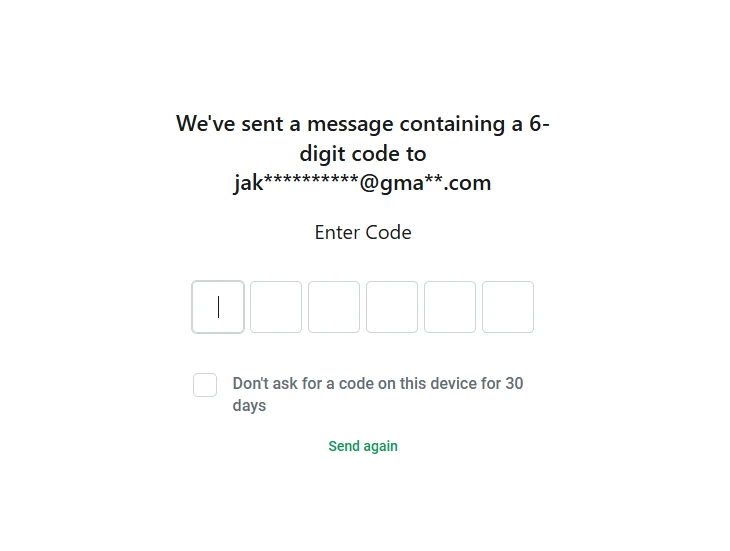
Step 4: If you are using a secure, personal device that is not used by anybody else, you can set your device as Trusted by ticking ‘Don’t ask for a code on this device for 30 days’. This lets you skip verification for 30 days on this device.
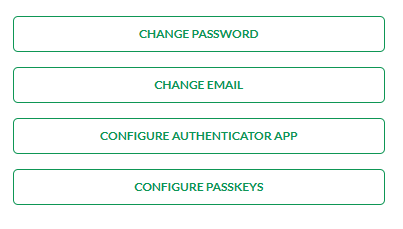
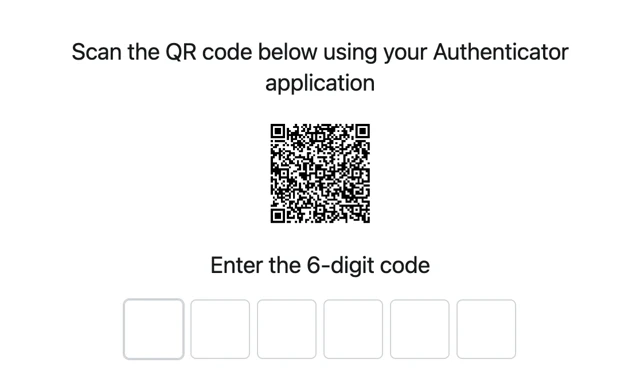
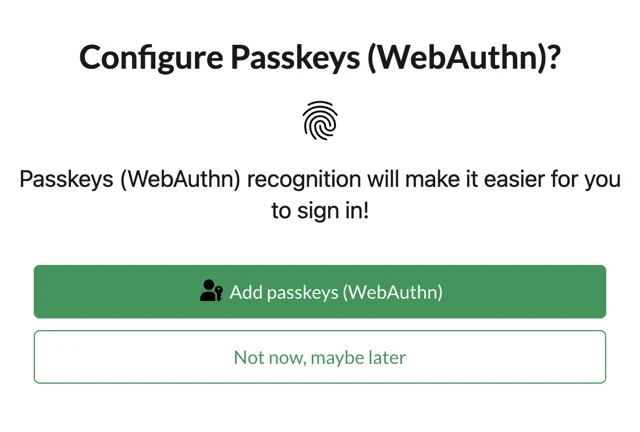
Step 5: Configure an authenticator app or passkeys to make it easier to sign in.
Tactical Rundown:
1. On the log-in page, enter your TransferRoom email address and password.
2. A six-digit code will be sent to your phone number or email address to verify your identity.
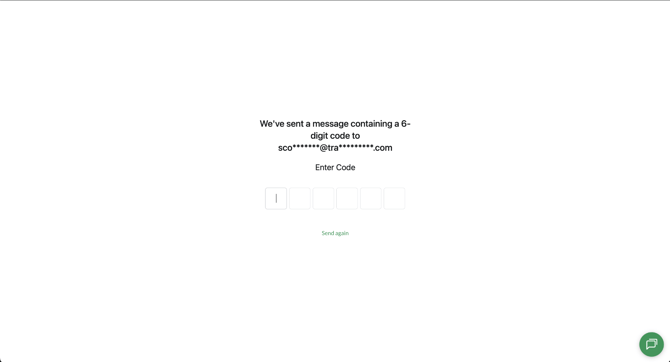
4. Enter the code from your phone or email to sign in to your account.
5. You can tick the box to ensure your device is Trusted, which means you won’t be asked for a code for 30 days. Only do this if you are using a secure, personal device that is not used by anybody else.
6. To change the way you sign in, go to your Settings. You will be able to set up an Authenticator app (such as Google/Microsoft authenticator or Authy) or Passkeys (such as Face ID, Touch ID or biometrics) to make the process easier.